UNIVRSLL Passwords
A private password manager that keeps your passwords encrypted on your own PC. No account, no cloud, no subscription.

The parts that matter.
Encrypted on your PC
Your vault is locked with your master password using modern encryption (Argon2id and XChaCha20-Poly1305). Nothing is uploaded or synced.
Recovery key
When you create your vault you get a recovery key. Keep it safe offline: it lets you set a new master password if you forget yours.
Encrypted backups
Save a backup to a USB stick or another drive, and restore it on this or another PC.
Strong passwords
Generate passwords of 8 to 64 characters, with or without symbols, and choose exactly which symbols are allowed.
Locks itself
The vault locks after 5 minutes without use, when Windows locks and when the PC sleeps.
Careful with copies
Copied passwords are cleared from the clipboard after 30 seconds and kept out of Windows clipboard history.
What it actually looks like.

From start to done.
- Create your vault with a long master password.
- Write down the recovery key it shows you and keep it somewhere safe, offline.
- Add your accounts, or make a strong new password for one.
- Copy a password with one click when you need it.
Other things we’ve built.

Clipreel
LiveTurns hours of footage into a thirty-second montage, with every cut landing in a pause.
Learn more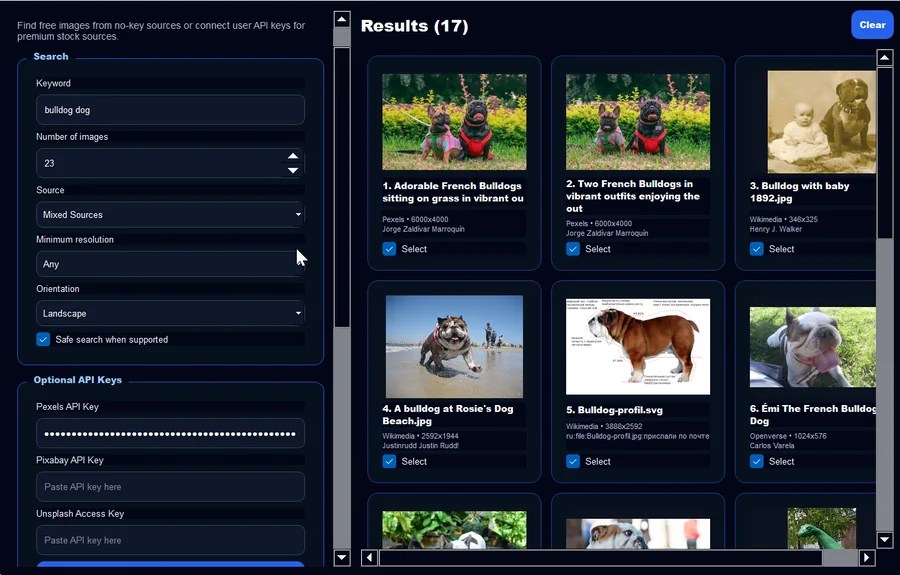
Image Vault
LiveSearch seven image libraries at once and keep a licence record for everything you download.
Learn more
UNIVRSLL Chat
LiveEncrypted chat for browser, phone and desktop. Direct messages are encrypted on your own device.
Learn moreWant something like this, built for you?
Tell us what you have in mind, even if you’re not sure how it would work. The first conversation is free.